Created a management system for an educational center

We developed an internal CRM that brings student management, scheduling, employees and operational processes into one system.

Project stages

01

Build a single system for managing an educational center.

Before this, processes were fragmented: student data, schedules, requests and tasks were kept in different places, which made control and scaling harder.

The goal was to create a clear tool that would combine all key processes: work with students and parents, scheduling, internal tasks and analytics.
Andromeda

02

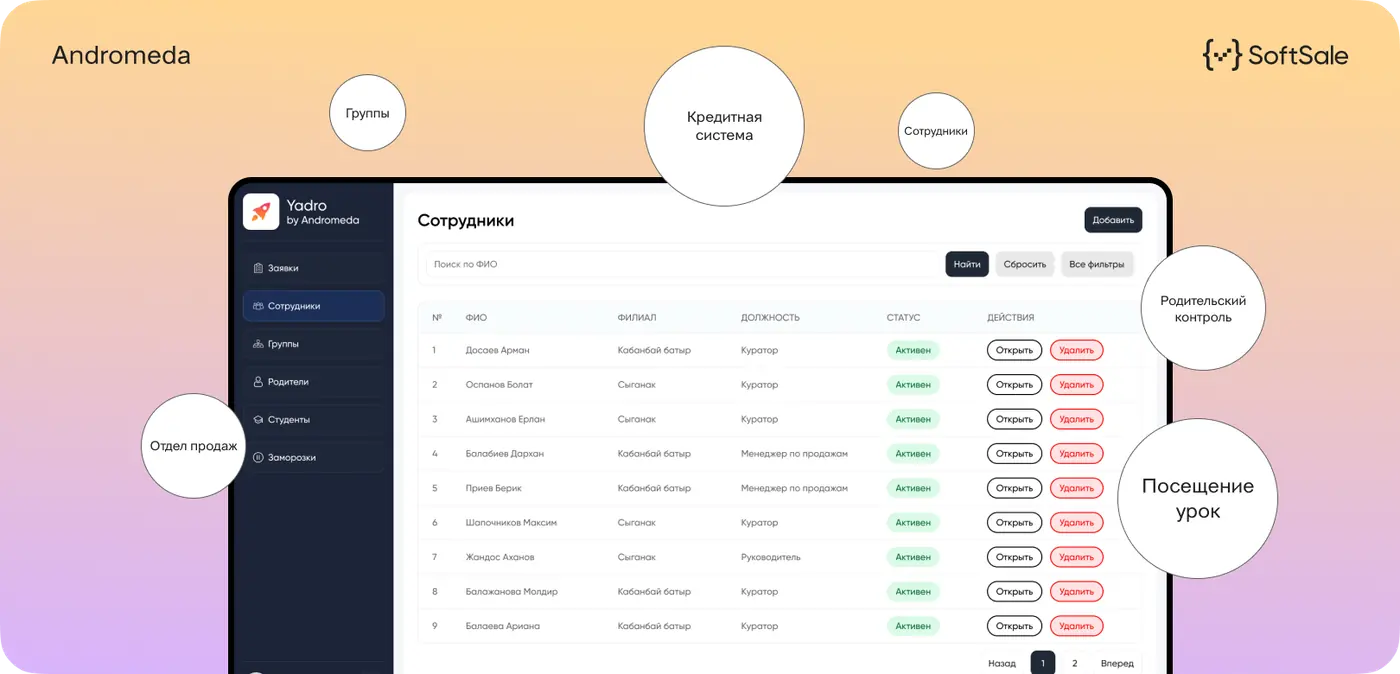
We designed and developed a CRM system that covers the center’s main operational tasks.

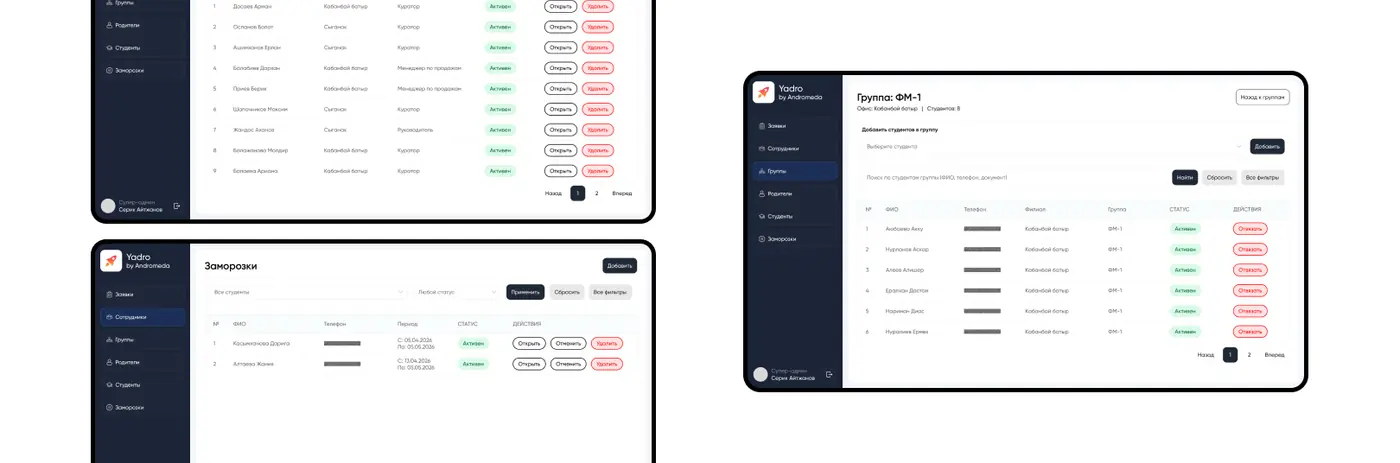
The system includes: — a role model with different access levels and interfaces — employee and user management — work with students, parents and branches — subjects, groups and schedule generation — an advanced teacher schedule with workload details — request processing and task assignment — a subscription freeze mechanism — a dashboard and action logging system

Andromeda

03

We created a single calendar that shows the schedule of groups.

Teachers can: — see their classes — mark attendance — record student performance

This helps keep the learning process under control and quickly get feedback on each student.

04

We added a built-in task manager for the team, similar to Trello inside the system.

Employees can: — create tasks — track status — manage workload

This helps synchronize the team’s work and prevents tasks from getting lost in messengers.

05

The result is a single system that combines learning, management and operations.

Now everything happens in one place: from the first student request to class control and team tasks.

Management can control processes more easily, and the team can work faster without unnecessary chaos. The system became a foundation for the center’s growth and further scaling.

Frontend SoftSale

Assylzhan Amangeldi

Frontend developer “SoftSale”

On this project, it was important for us to build an interface that does not overload the user despite the large number of functions.

The system itself is complex: roles, schedules, requests and tasks are all in one place. So the main focus was making sure the user quickly understands what to do and does not get lost in the interface.

We paid a lot of attention to screen structure, states and small details so everything would work predictably and without unnecessary actions. In the end, we built an interface where users can navigate quickly and work comfortably every day.

Shall we discuss your project?

What do you need?